The teleprompter your screen recorder can’t see.

Read your full script on screen while OBS Studio, Windows Game Bar and every other recorder capture nothing. Look straight at the camera and sound natural.

Windows 10 & 11 · No account · One-time purchase

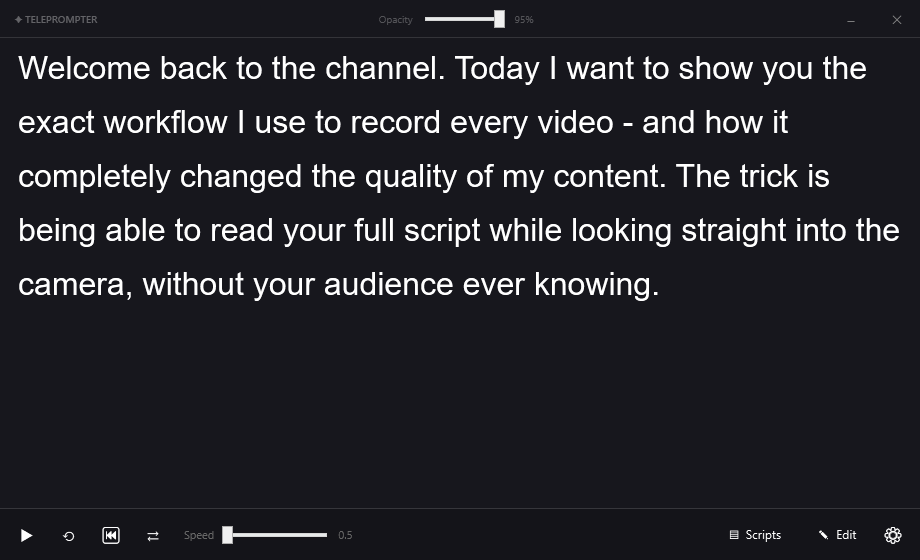
TelePrompter Pro main window showing a script scrolling, with playback and speed controls
The teleprompter window with large readable text on screen
Stay on script, stay natural

Read every word while looking at the lens

Large, readable text scrolls at the pace you set, so the next line is always ready. No more memorising, no more retakes, no more obvious eye-darting to a second monitor.

  • Smooth, adjustable scrolling
  • Floating, always-on-top, resizable
  • Space, arrow keys and Alt+H shortcuts
Settings window with the Hide from screen recording switch enabled
The part nobody else does

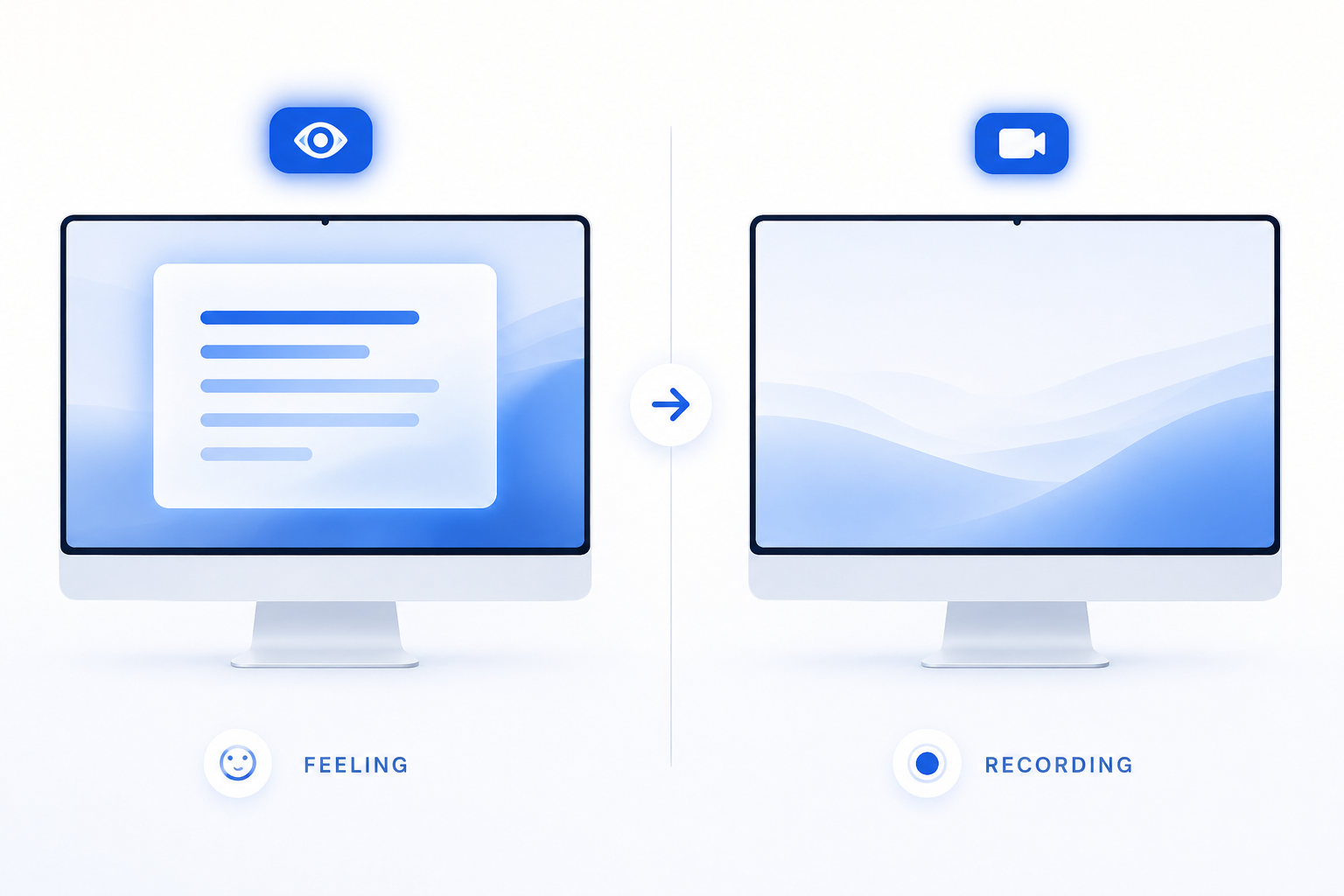
One switch makes it invisible to OBS

TelePrompter Pro asks Windows to exclude its window from the screen-capture pipeline. The teleprompter stays crystal clear on your monitor, but appears as nothing in OBS, Game Bar, Camtasia and Loom - even on the same screen you record.

  • Works with OBS Display, Window & Game Capture
  • No green screen, no second monitor, no hardware
  • Turns on by default - nothing to configure
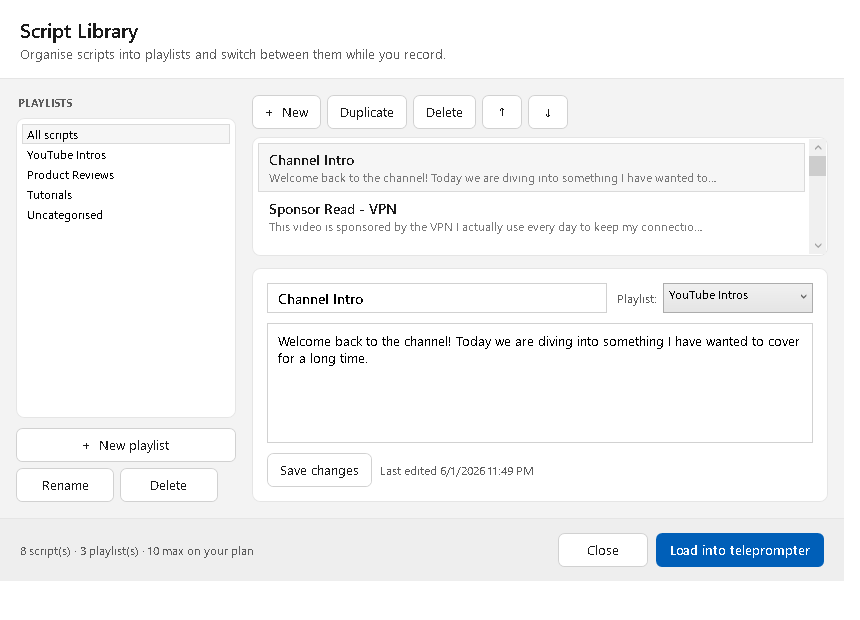
Script Library window with playlists and saved scripts
New · Script library

Save every script. Organise into playlists. Switch in one click.

Keep your intros, sponsor reads, reviews and tutorials in one place. Group them into playlists like a YouTube channel, reorder them, and jump between them instantly — even in the middle of recording.

  • Unlimited saved scripts with Pro
  • Playlists / collections you name yourself
  • One-click switch and Prev / Next while you record
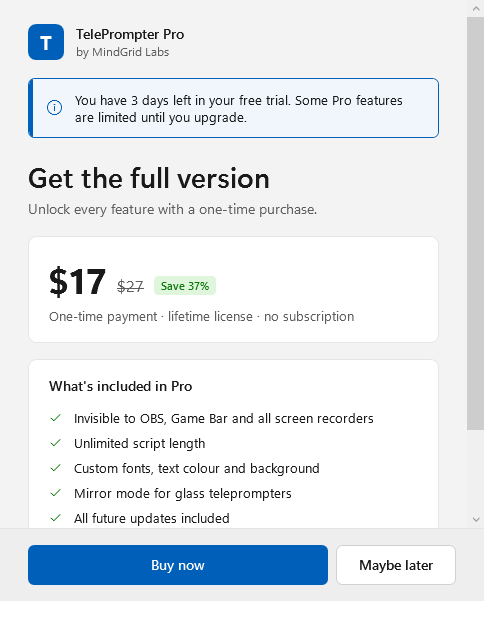
Upgrade window showing a 3-day free trial and one-time price
Honest pricing

Free for three days. Then yours for life.

Start recording immediately - no card, no account. When the trial ends, a single purchase unlocks everything forever. No subscription, no renewals, works fully offline.

Set up in about two minutes

  1. Paste your script into the editor, or load a .txt file.
  2. Set your speed with the slider and press play.
  3. Record in OBS as usual - the teleprompter never appears in the capture.

Record your next video the easy way

Free 3-day trial · Works with your existing OBS setup.

Download for Windows